Online floor planner and room planner
Free floor planner
for your home.
ApaPlan (Apa Plan) is a free online floor planner: draw a floor plan with dimensions, arrange furniture and explore your interior in 3D.
Open the editorCompletely free. No hidden fees.
From floor plan to a home you love.
A floor plan from an image
Upload a floor plan — bring its walls
into the editor
Furniture to match your style
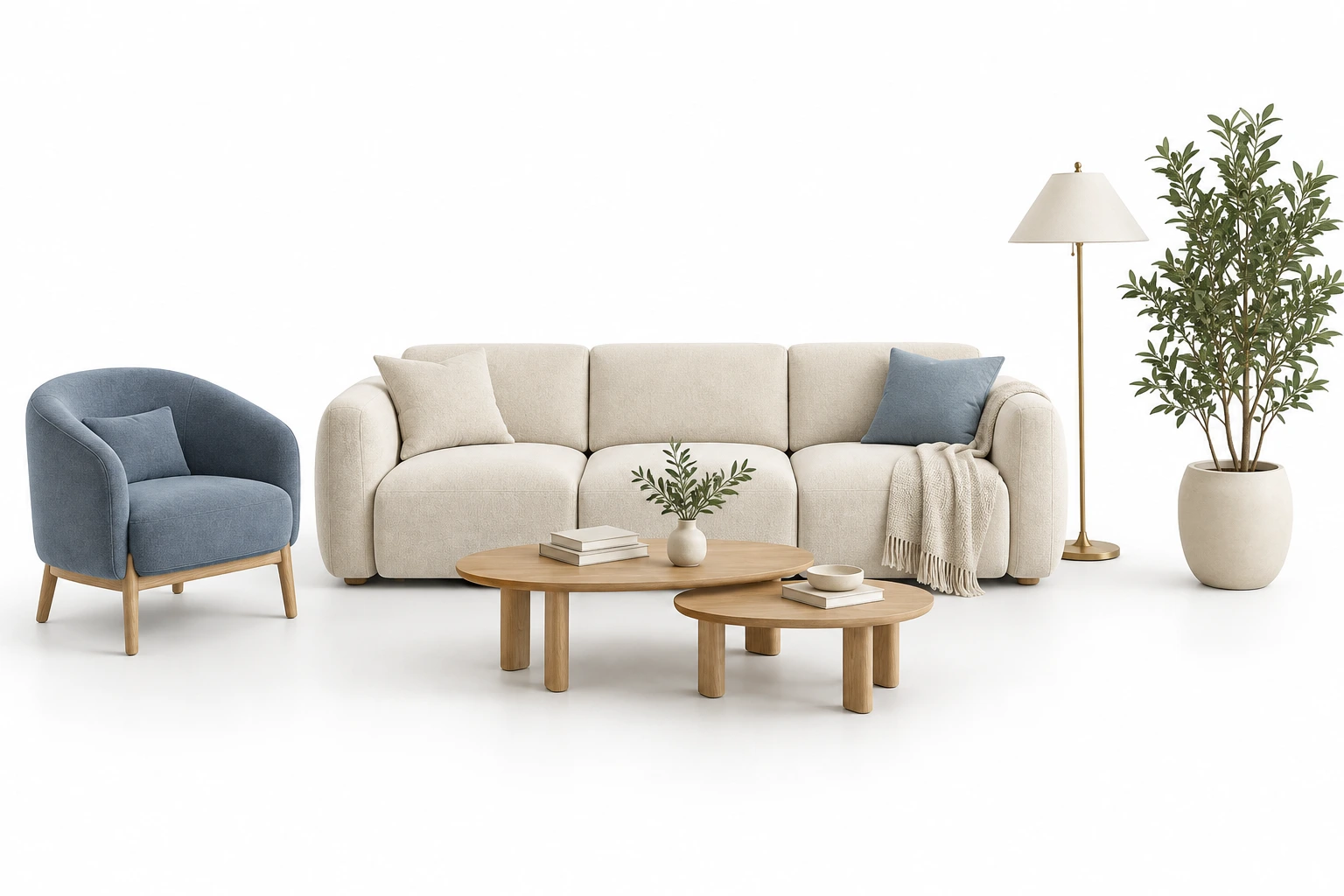
Easy to change
Move it. Try it. Change it.
Add a little joy
Dopamine mode
How to plan an apartment online in 5 steps
Open the editor with no sign-up
Click “Open the editor” and a project is created straight away. Without signing in, it is kept as a guest project in this browser. When you want to save it to an account or open it on another device, sign in with Google or email.
Draw walls or upload a floor plan
Draw the outline with walls and set each wall's length and thickness. If you already have a floor plan image, upload a PNG, JPEG or WebP file and enter its area: walls are detected, and you review and correct the result.
Add doors, windows and openings
Set the width and distance from the corner, choose the door swing and flip it if needed. Closed walls form rooms with their area.
Place furniture with real dimensions
The catalog has more than 2,500 3D models: furniture, bathroom fixtures, appliances, lighting and decor, including real IKEA and Roca products. Items snap to walls, and you can rotate, resize and recolour them.
Check in 3D and download a renovation PDF
Switch to 3D and walk through the rooms at eye level. Choose wall and floor materials, then download a renovation PDF with plans, a room schedule and a finish schedule to discuss with your contractor.
Ready-made layouts: open and edit
You do not have to start from a blank page. Open a ready plan with dimensions in the editor, adjust the walls to your measurements and go straight to arranging furniture.
Studio apartment
Separate the kitchen, sleeping area and lounge in one open space of about 25 m².
Floor plan from an image
Upload a picture of your plan and bring its walls into the editor. Formats, accuracy and scale tips.
Living room layout
A sofa, TV area and a clear route through the room — ready to adjust to your size.
Bedroom layout
A bed, wardrobe and bedside access, with walkways checked before you buy.
A room planner for every room
Bedroom
Bed, wardrobe and access to the sleeping area: check walkways before buying furniture.
Kitchen
Sink, hob and fridge, the gap between kitchen runs and the dining area.
Kids' room
Sleep, study, storage and free floor space for play in one room.
Living room
Sofa, TV area and a route through the room that does not cut across seating.
Home office
A desk near the window, light, sockets and space behind the chair.
Bathroom
Tiles and fixtures with real dimensions, with access to the bath and basin.
What ApaPlan can do
- Free, no sign-up. No subscription or payment card; a guest project is kept in this browser, and you sign in only to save it to an account and open it on other devices.
- Floor plans with dimensions. Walls with length and thickness, doors, windows and openings, and rooms formed from closed walls.
- Floor plan from an image. Upload a PNG, JPEG or WebP, enter the area and review the detected walls.
- 2,500+ 3D models. Furniture, bathroom fixtures, appliances, lighting and decor, including real products with manufacturer dimensions.
- Precise placement. Snapping to walls and nearby objects, rotation, resizing and recolouring.
- 3D and walkthrough. Switch between the 2D plan and the 3D view, and walk through rooms at eye level.
- Materials and textures. A library of wall and floor finishes; your own textures and models stay in your browser.
- Renovation PDF. Plans, a room schedule with areas and a finish schedule to discuss with your contractor.
- Works on your phone. Runs in a browser on desktop, tablet and phone with touch controls, with nothing to install.
- Honest limits. ApaPlan does not approve structural changes or produce working drawings; the 3D view is interactive, not photorealistic, and you design the space yourself, without AI generation.
Floor planning and interior design blog
Practical ApaPlan guides to measuring your apartment, arranging furniture and reviewing your interior in 3D.
How to create a measured apartment floor plan
What to measure, how to draw the outline and check windows, doors and partitions.
Read the guide →How to arrange furniture in a room
Where to start, how to check walkways and compare different layouts.
Read the guide →How to review your interior in 3D
Move from a floor plan to a spatial view and check furniture, materials and proportions.
Read the guide →What if you moved it?
Open the editorNo subscriptions. No hidden fees.
FAQ
Frequently asked questions
A few answers to get you started. Still have a question? Get in touch.
1Is it really free?
Yes. Floor planning, furniture arrangement and 3D viewing are free, with no subscriptions or hidden fees.
2Do I need an account?
No. The editor opens without an account, and your guest project is kept in this browser. Sign in with Google or email to save projects to your account and open them on other devices.
3Can I use my own measurements?
Yes. Set dimensions for walls, rooms and furniture to check your layout before buying furniture or renovating.
4Can I upload a floor plan?
Yes. Upload a PNG, JPEG or WebP plan, enter its area and review the detected walls. You can adjust them manually when needed.
5Does it work on a phone?
Yes. The editor supports touch screens. A tablet or computer is more comfortable for detailed work on complex layouts.
6Can I save my project?
Yes. Without signing in, your project is saved as a guest project in this browser. After you sign in with Google or email, projects are saved to your account and available on other devices. Models and textures you upload stay in the browser on the device where you added them.
7Is there a 3D view?
Yes. Switch between the 2D plan, 3D view and walkthrough to explore your space from different angles.
8What export formats are available?
You can prepare a PDF with renovation plans in the editor. Available save and export options are in the project menu.
9Can I use it professionally?
ApaPlan helps you explore layouts and present ideas. Verify construction measurements, engineering decisions and working drawings with a qualified professional.
10How can I get in touch?
Email us at manichevassvetlana@gmail.com or use the form on the Contact us page.